Create a Horror Game in
Unreal Engine
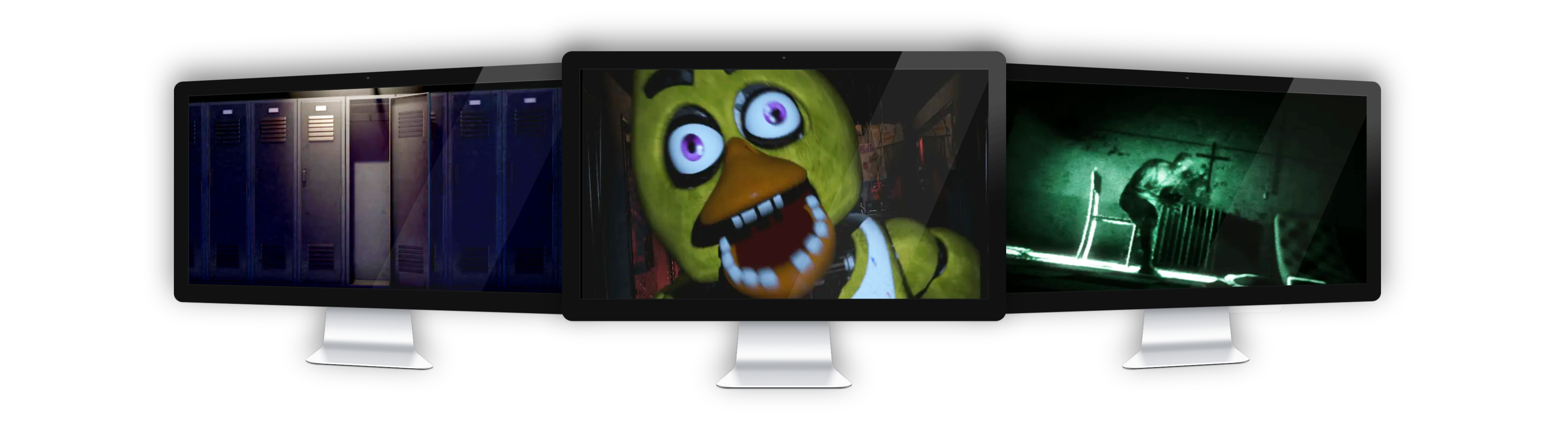
This course will guide you step-by-step: from opening Unreal Engine for the first time, to exporting a completely playable survival horror game.
Early Access Price - 33% Off for a Limited Time
Get immediate access to 80 lessons, plus every future lesson at no additional cost.
Intimidated by the Overwhelming Size of Unreal Engine?
Struggling with unoptimized games and duct-taped game systems?
Fearful of not knowing how to complete a game or feeling like the finish line is out of sight?
Don't have a clear understanding of the engine's tools due to disjointed tutorials spread among different topics and creators?
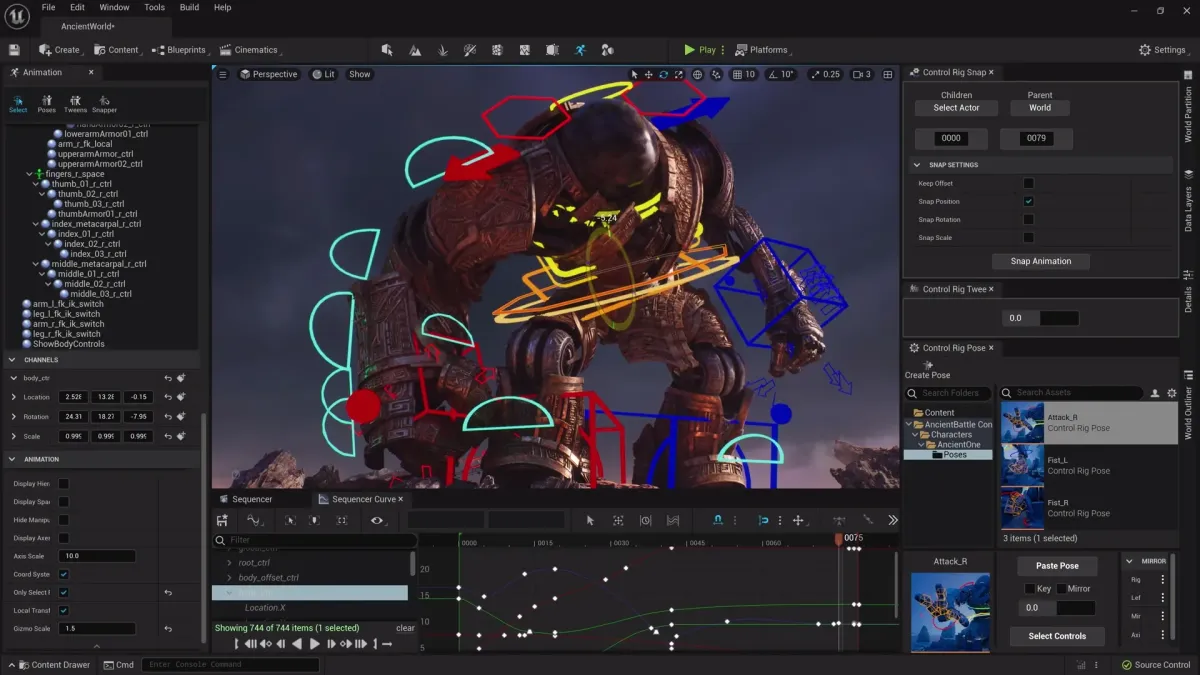
All of this is taken into account when creating this course- not only will you leave with a complete game, you'll leave with a comfortable understanding of what it takes to make an Unreal Engine video game.
Before
Disjointed tutorials of varying help, creating messy code
Getting overwhelmed with your game and giving up before it's completed
Struggle with advanced topics like NPCs and navigation
Unreal has seemingly an infinite number of tools
Optimization is non-existent in my game
After
A clean game with organized code and proper structure
Learn and apply scalable coding practices
A fun and full horror game in your portfolio
Be comfortable with the tools you need to complete a game
Understand what it takes to make a game buttery smooth
Start Learning Today for the Early Access Price
What's Available Right Now
80 / 130 lessons available - over 60% of the full course
Immediate access after purchasing
New lessons released regularly
Every future lesson included
Lifetime access
Commercial use of included assets
30-day money-back guarantee
Become Confident Using Unreal Engine.
Start Learning Today.

4.9 stars by 12,000+ students
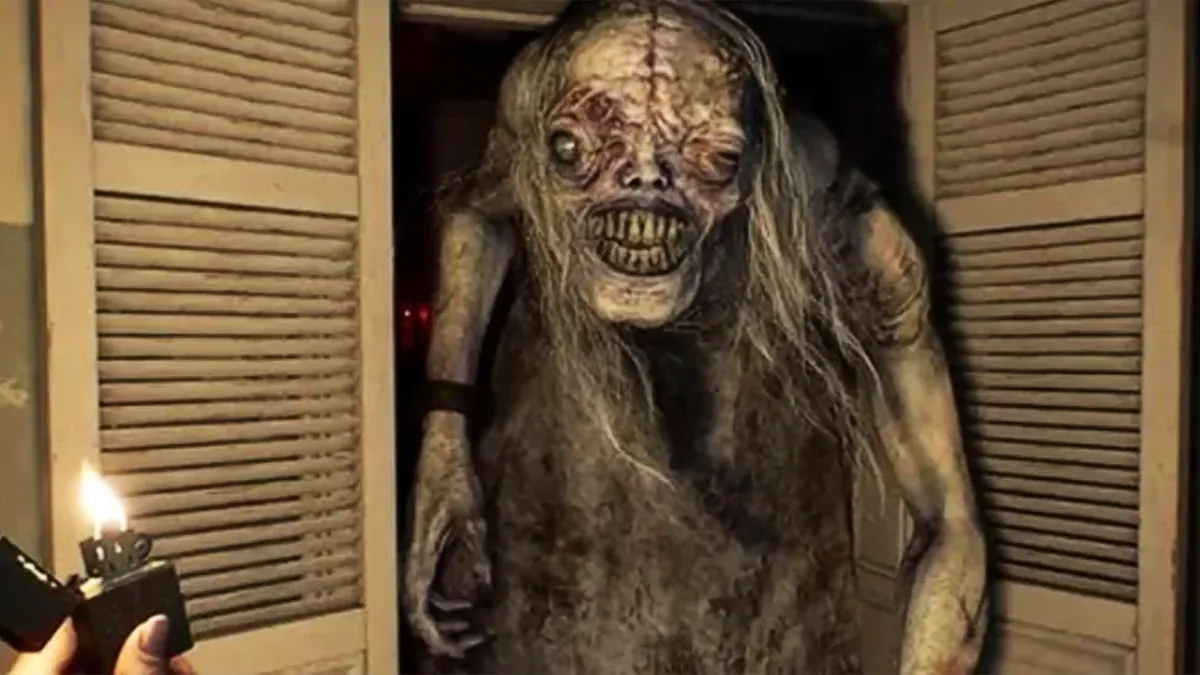
Create A Horror Game From Scratch in Unreal Engine
$239.99
$159.99
Lifetime access to all episodes, including the ones yet to come
All assets included are free for you to use- forever, in any project, without attribution requirements.
A 30 Day Money Back Guarantee
80 human written, hand crafted lessons to best propel you towards excelling in the engine
Connected, A-to-B pipeline of tutorials that build upon each other
Leave with the skillset needed to create more video games
Your price is permanently locked in, and all remaining lessons are included. The full course is planned to cost $239.99 once complete.
Pay Once. Access Forever.

Extra 25% Off for the First 50 Students!
Enter the promo code: FIRST50 to get the course at $119.99.
3 Remaining
After a few hours I felt significant progress in Unreal. The explanations are detailed and clear and the overall experience is wonderful. Thank you for an excellent course.

You actually learn why you're doing what you're doing. Absolutely fantastic.

THANK YOU! I have honestly been looking for this since I started developing/learning UE years ago. In the first few lessons, you have described what you need to do, why you need to do it, and shown how to do it. This is done quickly and efficiently with just enough detail to understand why you would create these things.

Im actually attending a university for game design and this is giving me a fresh perspective that outlines the information in *more* depth.

Get a 30 Day Money Back Guarantee

Just say “maybe” and try us out for 30 days, and if you aren’t super excited, we’ll give you the money back.
Simply email me at [email protected] and I will personally help you get your money back.
What You Will Learn
This course is not only designed to guide you through making a horror game, but will provide you with the skillset to continue making games from this point on.
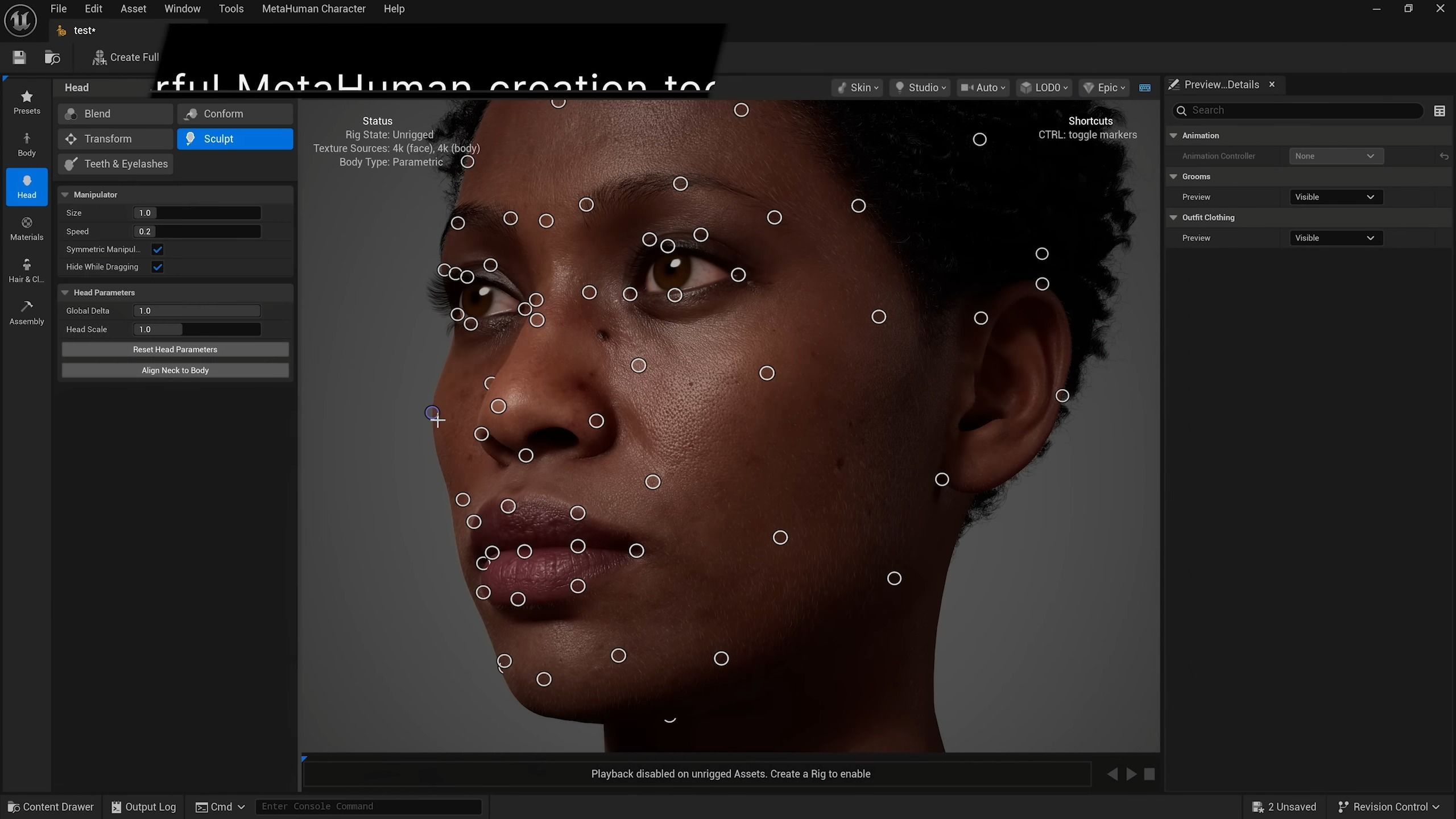
Available
Navigating Unreal Engine
All windows and their uses
Project and editor settings to make your life easier
Using source control for easy project backups
Tons of useful hotkeys, tips, and tricks
View modes, view flags, useful hidden settings
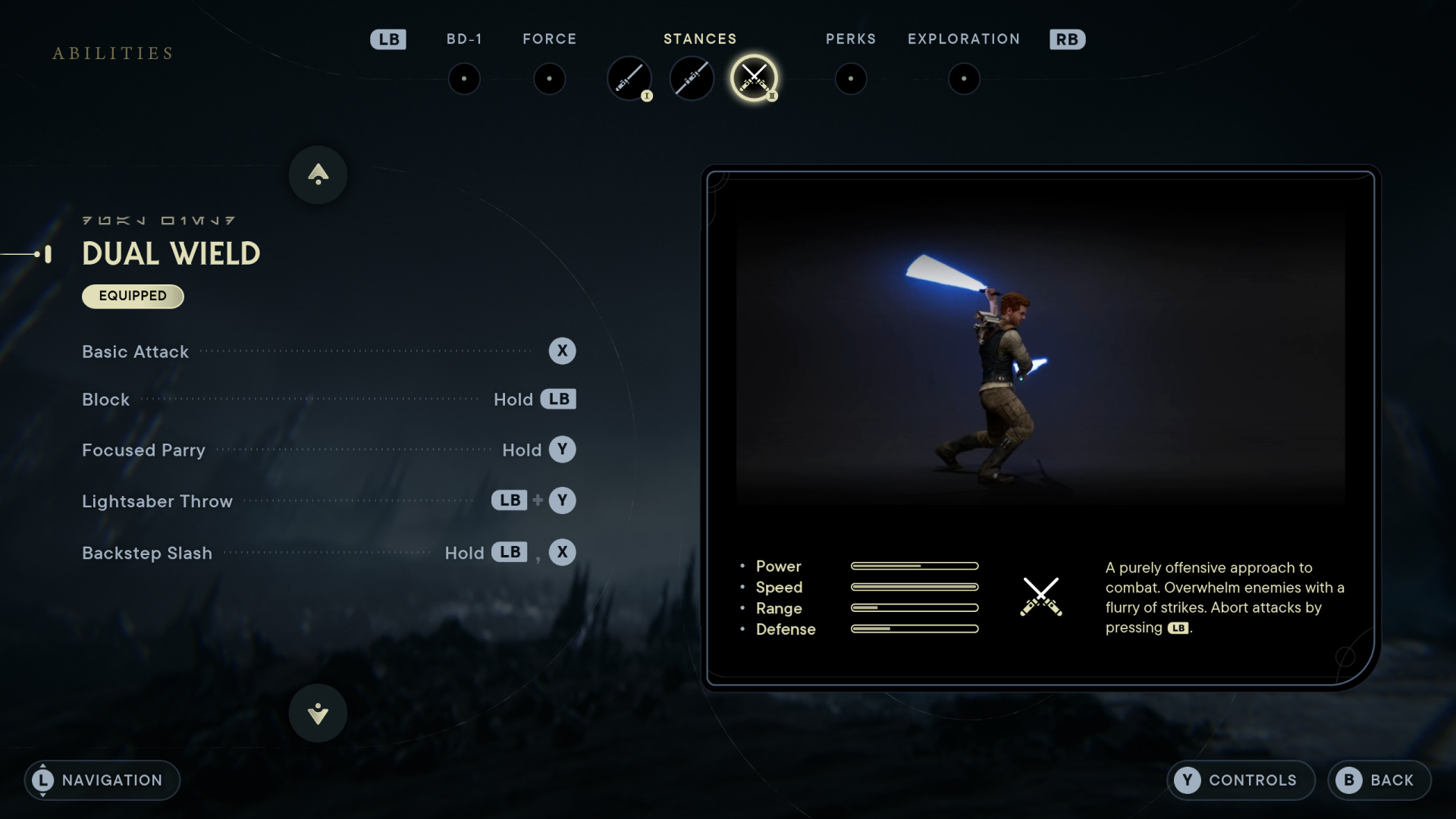
Available
Gameplay Framework
Game Modes? Game Instances? States, Controllers, Camera Managers? All covered!
Unreal's Class Heirarchy
Object Oriented Programming (Inheritance, Composition, Polymorphism, and Abstraction)
Good programming practices
The Interchange Framework (Importing and Presets)
Available
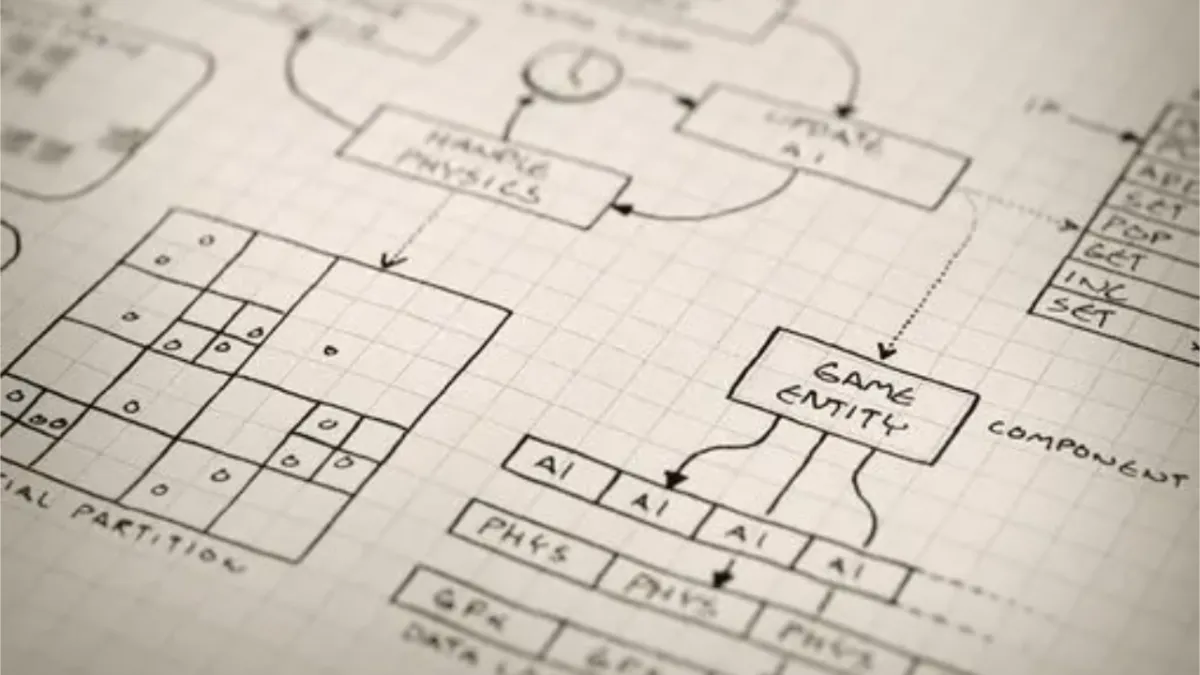
Blueprints
Create an ENTIRE game with blueprints (yes, it's possible!)
Comparatively learn the LIMITATIONS of blueprints
Efficient, clean, scalable, and modular classes
Blueprint communication = no sweat.
In-depth explanations of Enhanced Input
Built-in events to utilize- and when!

Available
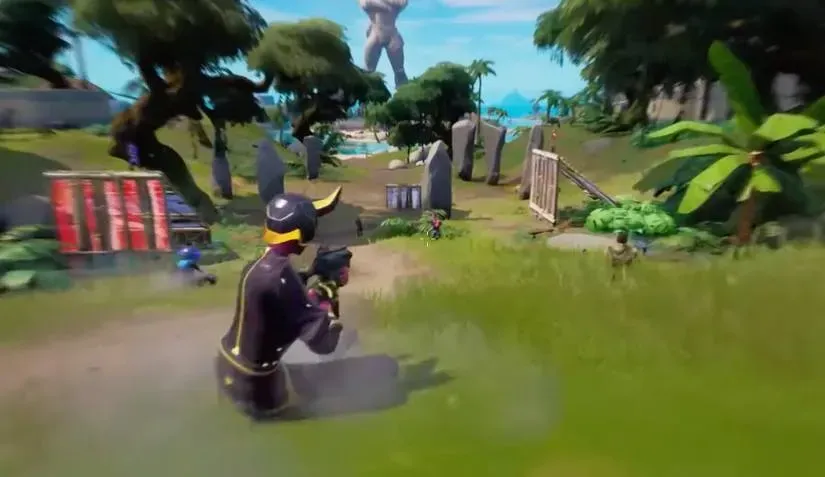
Horror Game Mechanics
Night Vision
Hiding
Advanced Flashlight
Health Components
Leaning
Jumpscares
Puzzle System
Trigger and Response System
Item Inspection
Stalking Enemy
Camera Effects
Night Vision
Hiding
Advanced Flashlight
Health Components
Leaning
Jumpscares
Puzzle System
Trigger and Response System
Item Inspection
Stalking Enemy
Camera Effects
Available
Character Movement
Finite State Machines - The CORRECT way to do movement
A better crouch system
Easily modular and expandable setup
Camera control state switching
Proper headbob - no hacky camera shakes
Sprinting, Stamina, Hiding
Currently in Production
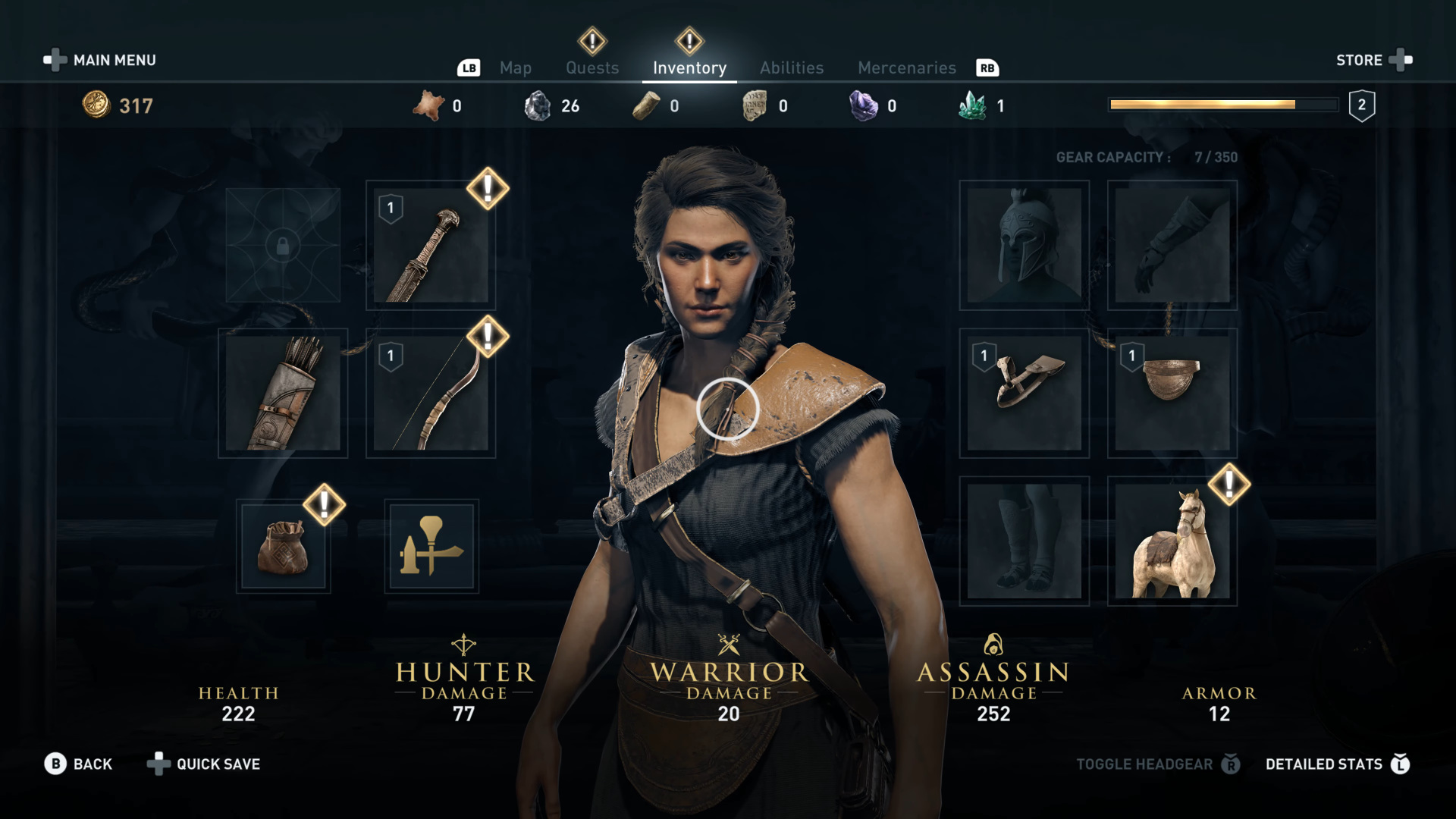
Modular UI
Reusable UI classes
Animations, professional feel, controller support
Proper Main Menu
Extensive Settings Menu
Nested widgets (good performance)
Up Next
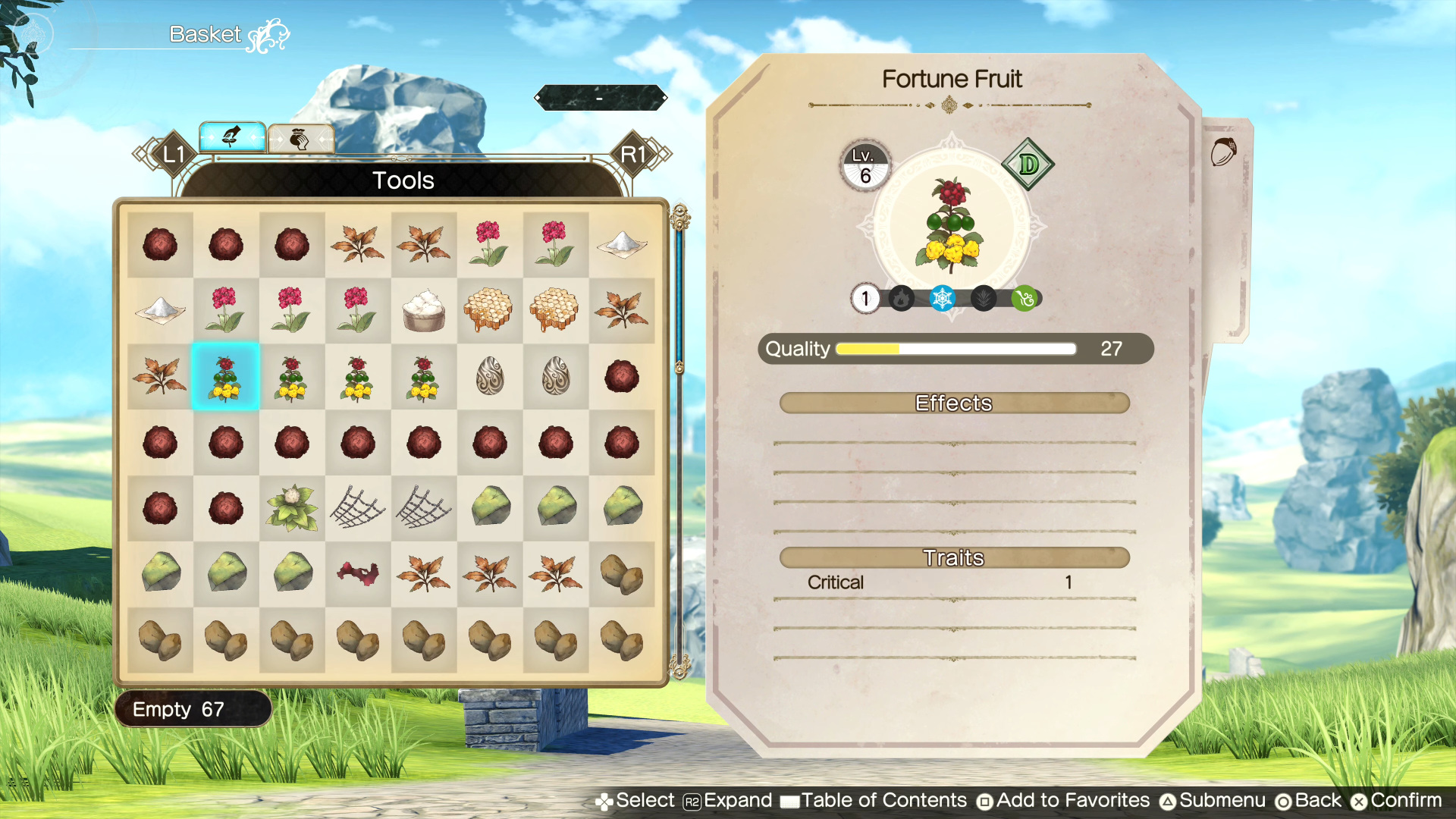
Robust Inventory System
Based on the modern Resident Evil games
Inventory made understandable
Inspecting Items
Combining and Crafting Items
Using items to complete puzzles
Planned
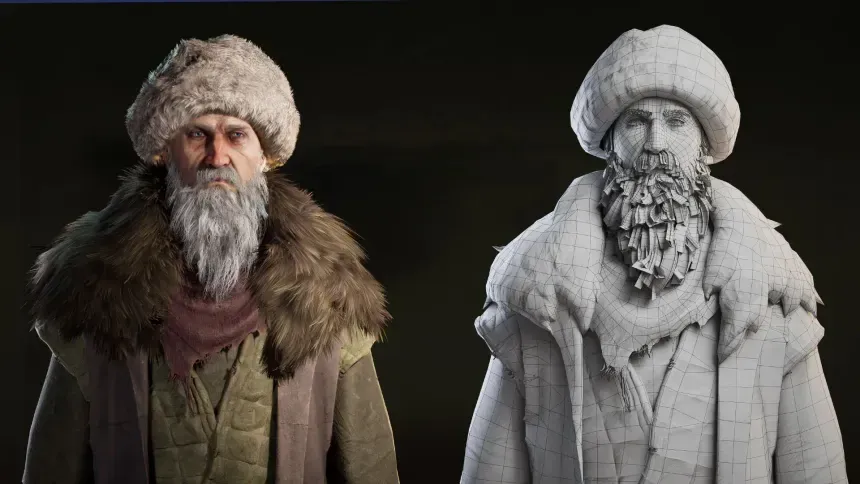
Advanced Horror Antagonist
A more intelligent stalking NPC
NPC World Interaction (opening doors, crouching, scripted moments)
Safeguards against navigation issues (no more getting stuck!)
Uses the modern State Tree system (bye bye behavior trees)
Planned
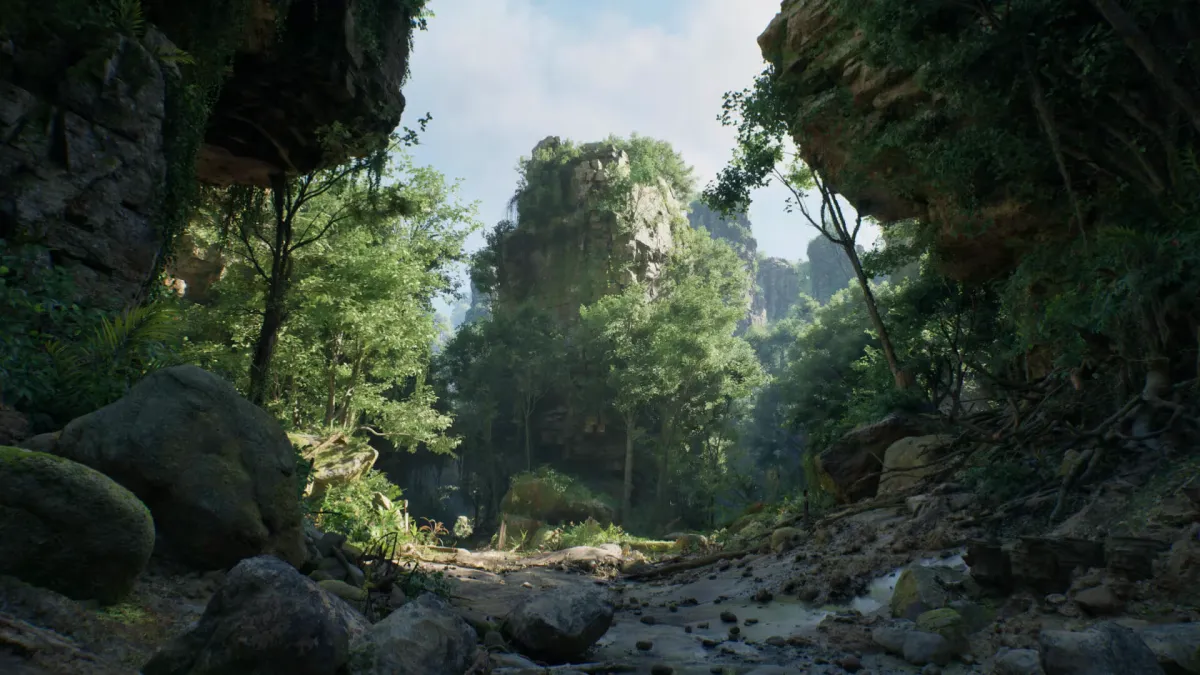
Graphics and Audio
Lumen vs Baked Lighting
Lighting Types and Optimization
Lighting Our Scene Walkthrough
Using MetaSounds to their potential
Attenuation, Occlusion, Concurrency, Sound Classes, Sound Zones
Planned
Optimization
Remove lag and stutter using Unreal's plethora of optimization tools
LODs, Instancing, and Nanite
Optimization Viewmodes
Occlusion Culling and Draw Calls
Lighting and Shader Complexity
Tracing Sessions
Planned
Packaging and Exporting
Leave this course with an exported horror game
Saving and Loading, Main Menus, Setting Menus
Share your game with family and friends
Become confident with your new skillset
And More!
80 DETAILED LESSONS (AT LEAST 50 MORE TO COME!)
READY FOR COMPLETE BEGINNERS
TEACHES UNREAL'S BLUEPRINT VISUAL SCRIPTING SYSTEM
QUIZZES TO TEST YOUR KNOWLEDGE
A COMPLETE PACKAGED GAME WITHOUT WRITING A SINGLE LINE OF CODE
LEARN THE PROPER ARCHITECTURE FOR GAME CREATION
GAME OPTIMIZATION - ELIMINATE LAG AND STUTTERS
CLASSIC HORROR GAME MECHANICS
THE CONFIDENCE KNOWING YOU HAVE THE SKILLSET TO CREATE VIDEO GAMES
80 DETAILED Lessons (50 additional lessons planned)
READY FOR COMPLETE BEGINNERS
tEACHES uNREAL'S BLUEPRINT VISUAL SCRIPTING SYSTEM
QUIZZES TO TEST YOUR NEW KNOWLEDGE
A COMPLETE PACKAGED GAME Without writing any code
LEARN PROPER INFRASTRUCTURE
Game optimization - eliminate lag and stutters
CLASSIC HORROR GAME MECHANIcs
THE CONFIDENCE KNOWING YOU HAVE THE SKILLSET TO CREATE VIDEO GAMES
Too Expensive?
I will soon be offering smaller, FREE courses and tutorials, as well as high quality assets. Enter your email to get notified when they go live!
Frequently Asked Questions
Should I get this if I have no experience?
Yes! Everything is explained thoroughly, step by step, to work for even the beginnerest of beginners.
What does the early access sale mean?
Only 80 out of the total 130 episodes are currently available. Because of this, you can buy the course for a discount until the rest of the episodes get added.
If I buy in Early Access, will I get the future lessons?
Of course! You'll have access to them the moment they're available without any extra payments.
I'm worried the course isn't for me.
The only real way to know is to try it out. That's why we have a 30 day money back guarantee!
I want to make a game that isn't a horror game. Do you have other courses?
At the moment, no. However, the horror course still covers major fundamental parts of creating a video game, up until completion.
Will the price stay the same?
No- the price is subject to change as more lessons are added.
Does this course cover C++?
No- this is a Blueprints only course.
What's NOT covered in the course?
C++, Multiplayer, and Open World Tools are the major Unreal elements that are not touched upon in this course.
I want the course, but I can't afford it.
There are options at the checkout to pay it incrementally over time, but if that's not an option either, we are gearing up to include some free courses and content at Gecko Game Dev. Sign up for the newsletter to be the first to know when that happens!
Can I use the assets provided in the course after I'm done?
Yes! All assets provided are yours to use, personally or commercially, forever. You don't even need to provide attribution.
How long will I have access to the course?
Forever and ever and ever.